Let your AI agents
work while you sleep.
Midnight Oil keeps your Mac awake so Claude Code, Codex, and Cursor can finish the job. Overnight, while you run an errand, even with the lid closed in your bag. Free and open source.
Free · Open source · macOS 14 or later · brew install --cask coreyhaines31/tap/midnightoil

Your Mac sleeps.
Your agents stop.
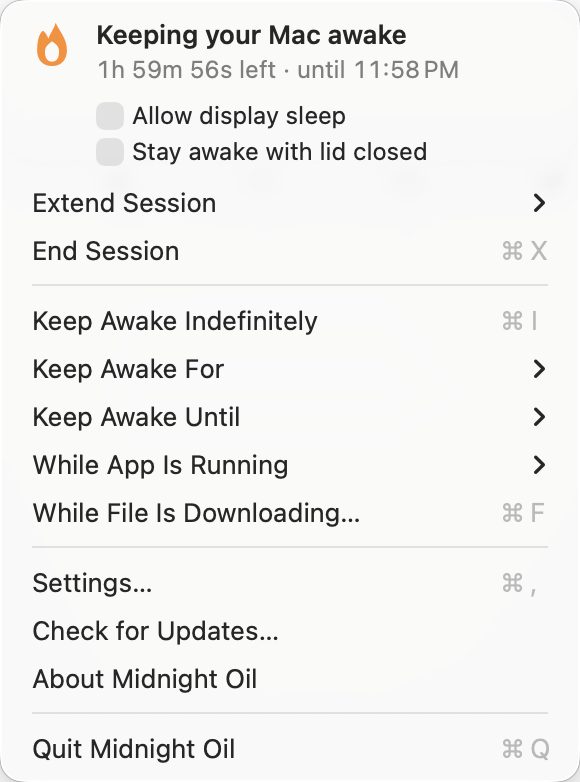
macOS puts a Mac to sleep after a few idle minutes, and an agent that's mid-task doesn't count as activity. The terminal freezes, the SSH session drops, and you come back to half a job. Midnight Oil fixes that, whichever way you work.
Always on at your desk
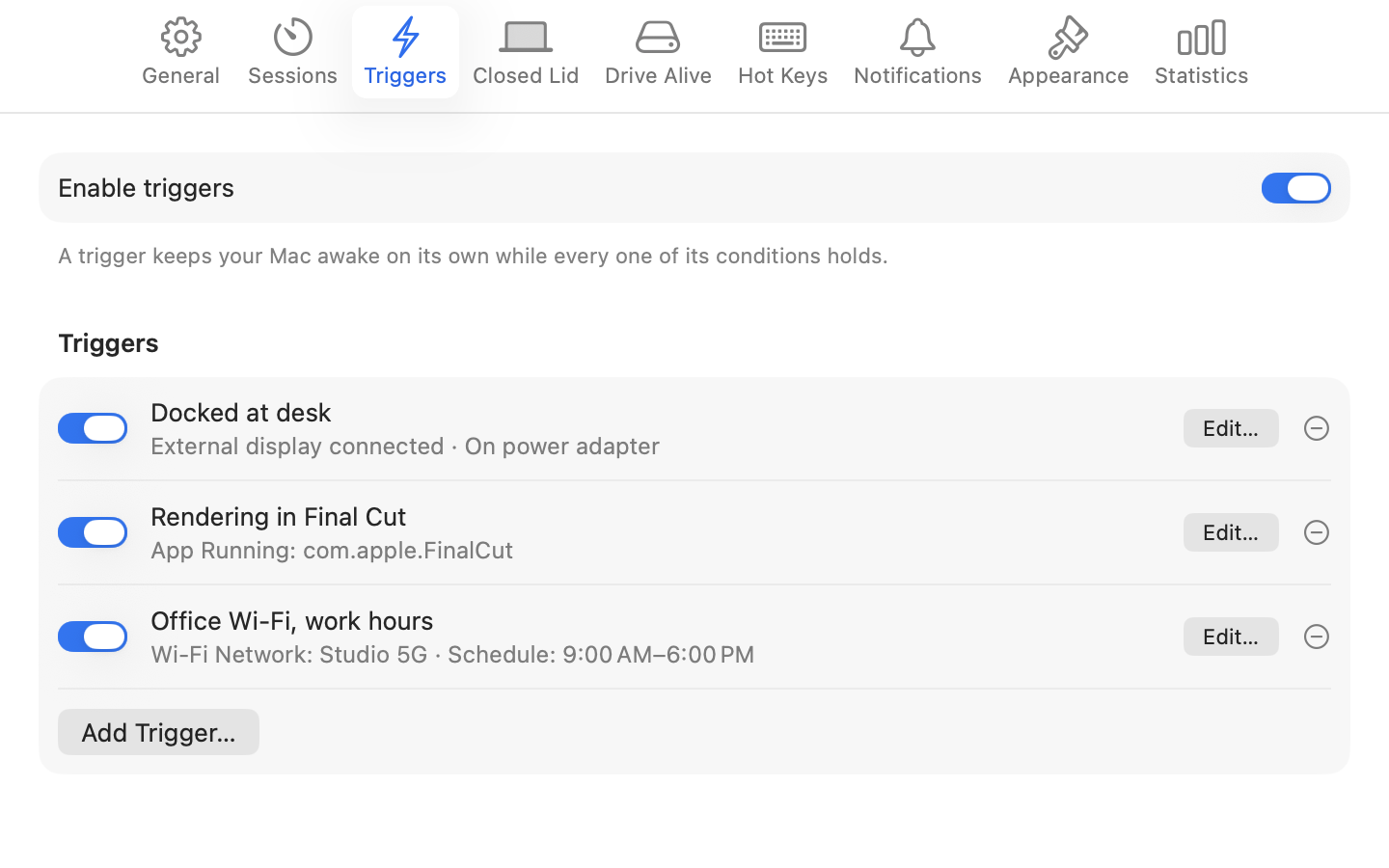
Triggers keep your Mac awake on their own while conditions hold: docked to a display, on power, on your office Wi-Fi, while Terminal or Cursor is open, or on a schedule. Set them once and stop thinking about it.
Lid closed, still working
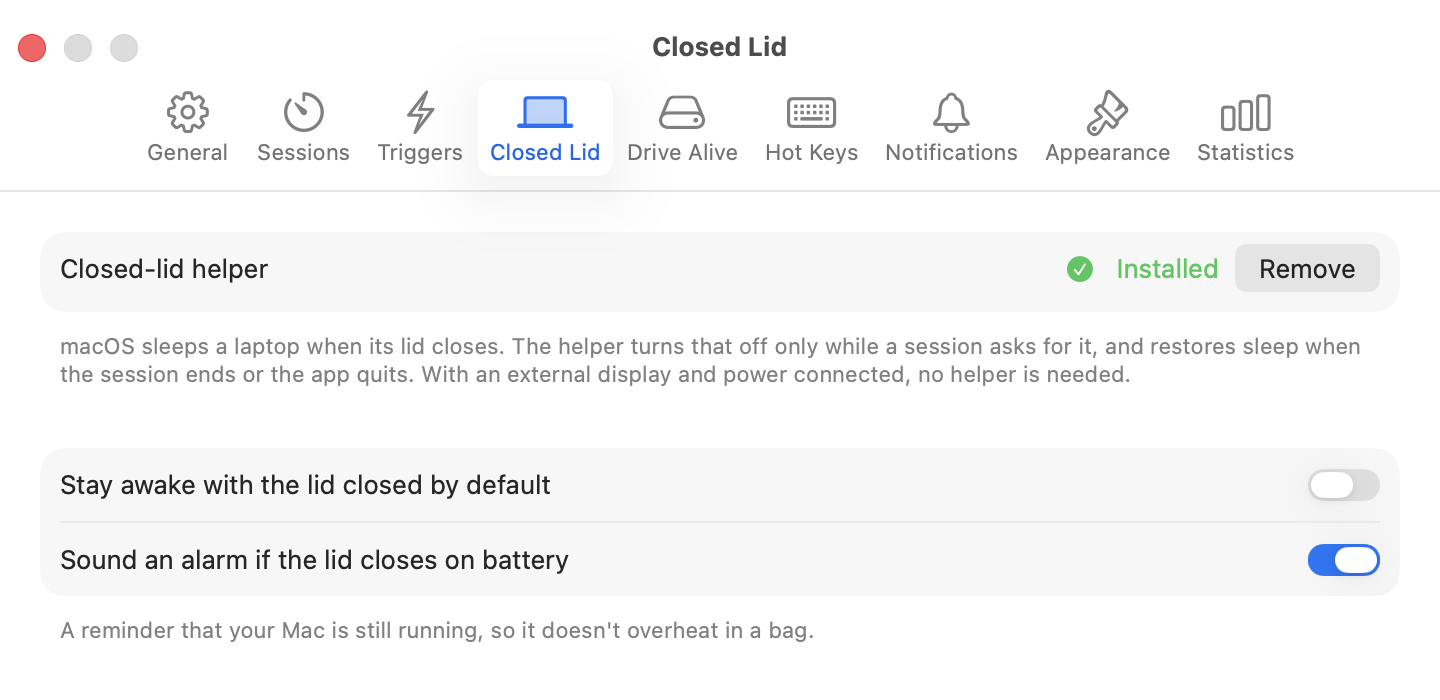
Shut the laptop, put it in your bag, get on the train. The agent keeps going. Normal sleep comes back the moment the session ends.
Overnight, or until it's done
Keep awake until 7 AM, for 8 hours, or for as long as Terminal is running. Extend a session without restarting it. When the app quits, your Mac goes back to normal.
Won't cook your laptop
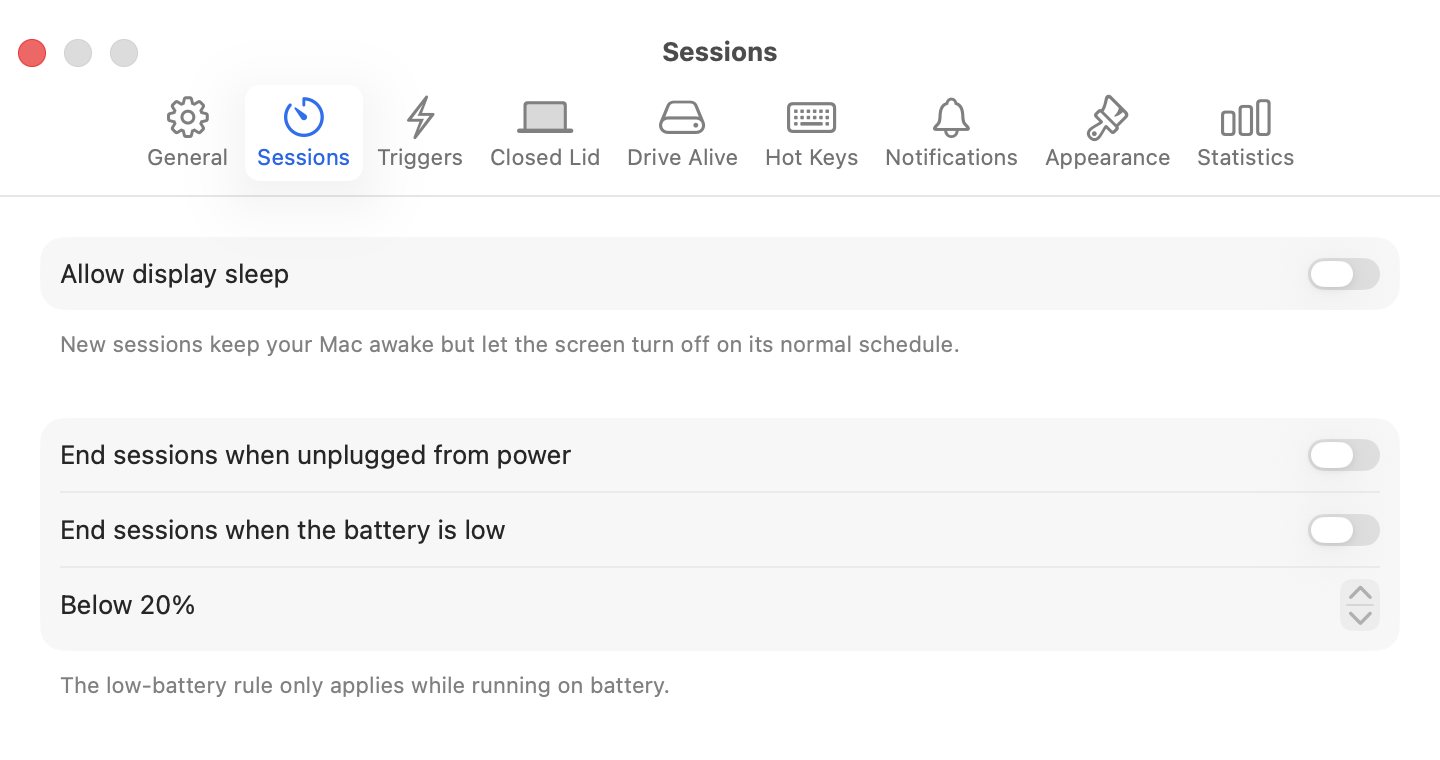
End sessions when you unplug or when the battery drops below a level you choose. An alarm sounds if the lid closes on battery, so you always know it's still running.
Know what it did
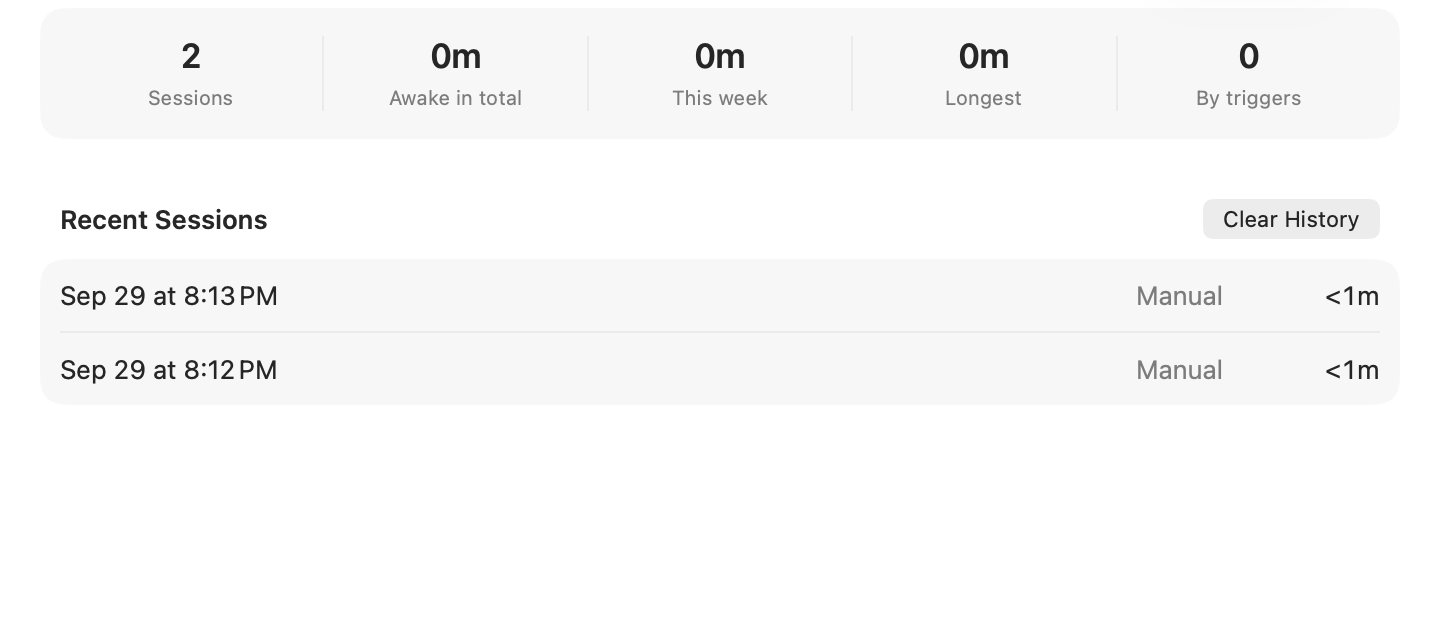
How many hours your Mac worked while you were away, this week and all time, and what started each session.
Three clicks, then walk away.
Start the agent
Kick off the long task in Claude Code, Codex, Cursor, or whatever you use.
Click the lamp
Pick how long: until morning, for 8 hours, or while Terminal is running. Check “Stay awake with lid closed” if you're heading out.
Leave
Sleep, run the errand, catch the train. Your Mac goes back to its normal sleep schedule the moment the session ends.
Safe by design.
Keeping a laptop awake with the lid shut is the one thing macOS won't let a normal app do. Here's how Midnight Oil does it without ever leaving your Mac stuck awake.
A helper you approve once
macOS asks you to allow it in System Settings. It runs Apple's own pmset command and accepts instructions only from the signed Midnight Oil app.
Sleep always comes back
When the session ends, when the app quits, and even if the app crashes. The helper notices the dropped connection within a second and restores normal sleep.
Even if the helper dies
macOS restarts it, and the first thing it does on launch is restore sleep. Nothing is ever left disabled behind your back.
Questions
Which AI agents does it work with?
All of them. Midnight Oil keeps the Mac itself awake, so it doesn't matter what's running: Claude Code, Codex, Cursor, a cron job, a render, or a download. Tie a session to the app that runs your agent and it ends when that app quits.
Is it really free?
Yes. It's MIT-licensed and the whole thing is on GitHub. No account, no subscription, no telemetry.
Won't it drain my battery?
Only if you let it. Set sessions to end when you unplug or when the battery drops below, say, 20%, and they will. Plugged in, there's nothing to worry about.
Which Macs does it run on?
Apple Silicon and Intel Macs running macOS 14 Sonoma or later.
How is this different from Amphetamine?
Same idea, and everything Amphetamine could do is here. Amphetamine stopped being updated in 2023; Midnight Oil is maintained, open source, and you can drag its icon around the menu bar.
Does it update itself?
Yes. The app is signed and notarized by Apple, and checks for updates on its own. You can turn that off in General settings.
Where do I report a bug or ask for a feature?
GitHub Issues. Pull requests are welcome too.